

This is an old revision of the document!
Interposer Canvas Reference Manual
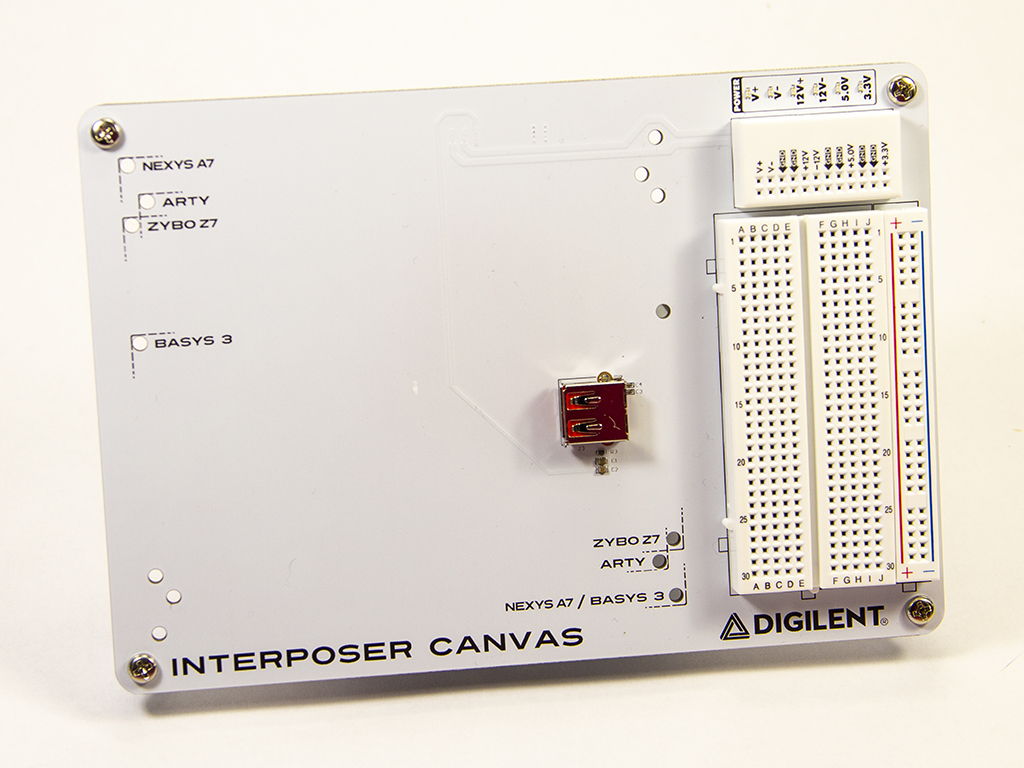
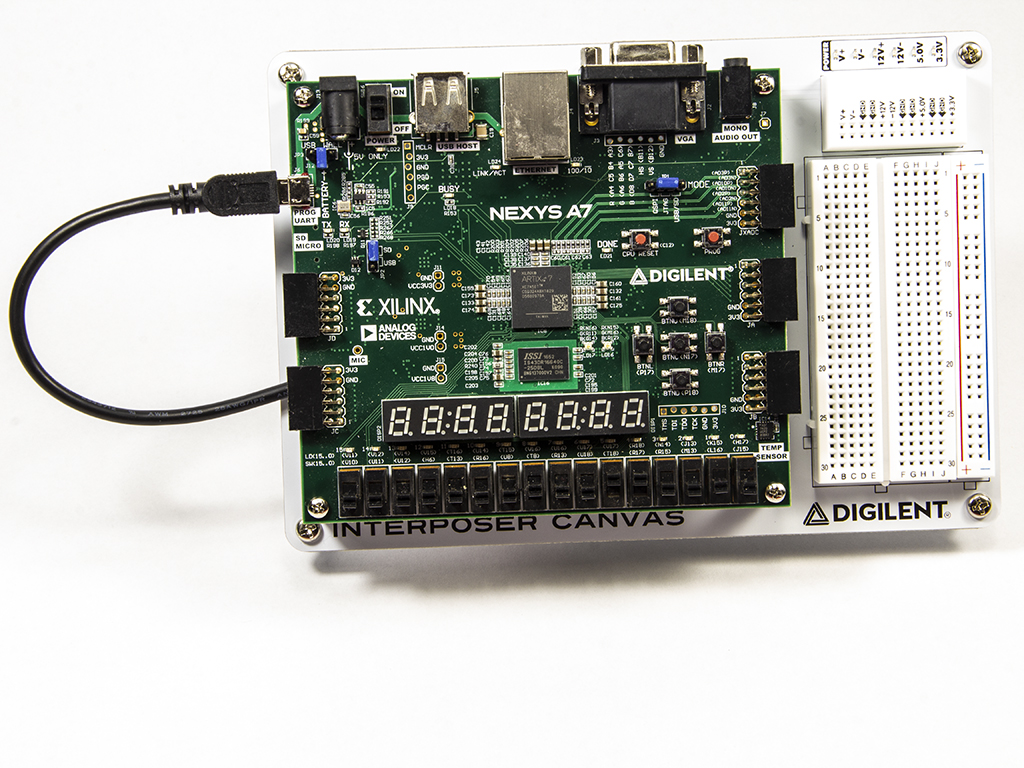
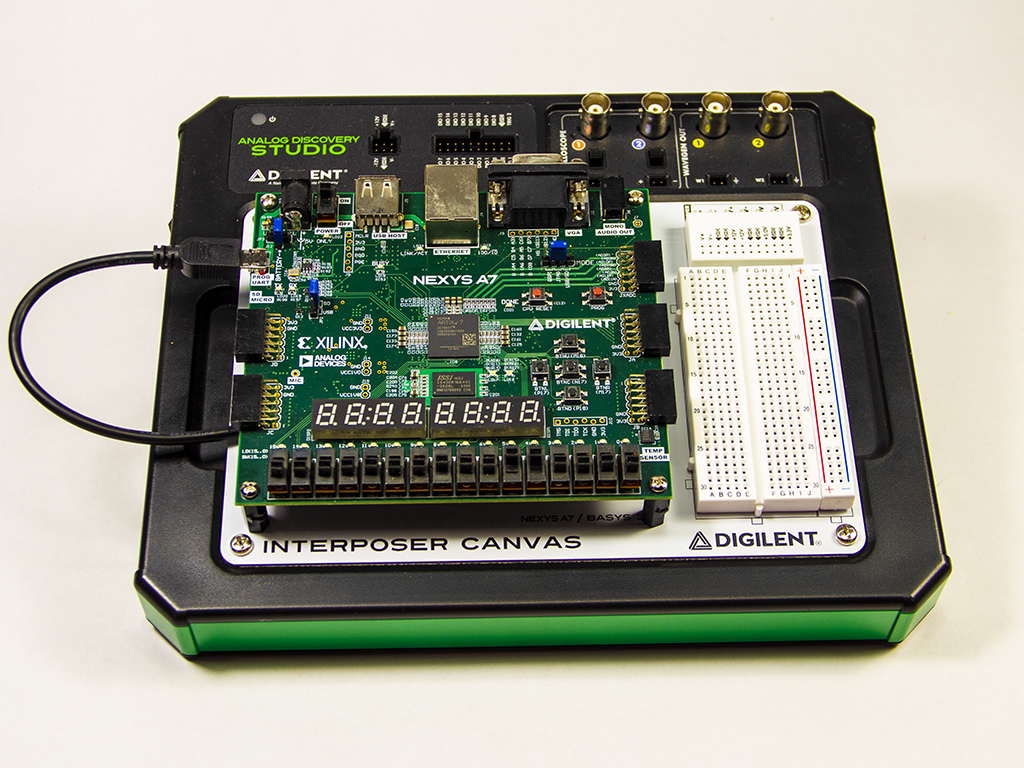
The Interposer Canvas is a replaceable and removable prototyping surface intended for using the Analog Discovery Studio with FPGA development boards. The Interposer Canvas provides a 150-position solderless breadboard and a power rail for prototyping additional circuits. There is also a small breakout board for V+, V-, 12V+, 12V-, +5V, +3.3V, and Ground. There are 6 green LED indicators to show the status of power supplies.

Mechanical Design
The Interposer Canvas is designed to connect to the Analog Discovery Studio via standoffs. Magnets are located within each of the holes that the standoffs slot into in order to hold the Canvas in place. The Interposer Canvas can be removed from the Analog Discovery Studio and swapped out with other canvases.
Warning! Do not swap out Canvases while the Analog Discovery Studio is turned on.
Breadboards
The Interposer Canvas has a small breadboard with power rail for prototyping circuits along with your FPGA board.
Power Supplies
Each of the Analog Discovery Studio's power supplies, both variable and fixed, are connected to the canvas, accessible via the power supplies breadboard.
The power access pins for the variable supplies, labeled V+ and V-, are connected to the Analog Discovery Studio's programmable power supplies. They can be programmed to voltage levels from 1 to 5V (V+) and -1 to -5V (V-) through the use of WaveForms' Power Supplies instrument.
Four fixed supplies are available: +12V, -12V, 5.0V, and 3.3V.
Green status LEDs, associated with each supply, turn on when power is available on that pin (when the supply is enabled, and the ADS is turned on).
Since each power supply is sourced directly from the Analog Discovery Studio, the minimum and maximum current and power available for each supply depends on the Analog Discovery Studio's specifications. See the Analog Discovery Studio Specifications for more information.