This is an old revision of the document!
Getting Started with the OpenScope MZ
April 2017
WaveForms Live and the OpenScope MZ are currently in 'beta' release which means things are still a little rough around the edges. We're working on a couple final features and improving the user experience and documentation. During this time we encourage users to share feedback and ask our engineers questions in the WaveForms Live and OpenScope forums.
This document will walk you through the OpenScope MZ setup process. Please post any questions or comments in the WaveForms Live and OpenScope MZ forums
- Setup the Digilent Agent (Required)
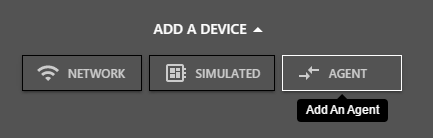
- Choose Agent.
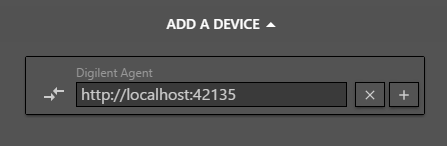
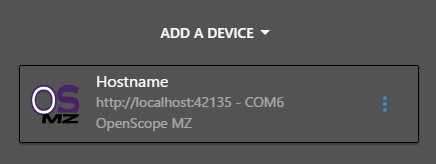
- Enter the hostname or IP address of the device where the Agent is running and click Add Device.
Typically the default value “http://localhost:42135” is correct for an agent running on the local machine.
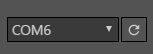
- Select the COM port associated with the OpenScope MZ from the drop down.
- Update the OpenScope MZ Firmware and Calibrate the device (Recommended)
-
- Click Update Firmware and follow the instructions to update the firmware on the OpenScope MZ.
- Click Calibrate and follow the instructions to calibrate the OpenScope MZ.
- Click Done.
- Take A Measurement (Recommended)
-
- Click the new device card to navigate to the instrument panel for the OpenScope MZ.
- Connect the solid orange wire (Osc Ch 1) to solid yellow wire (AWG Ch 1).
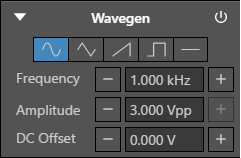
- Click the power button to turn on the WaveGen.
- Click Single to acquire a single buffer of data.
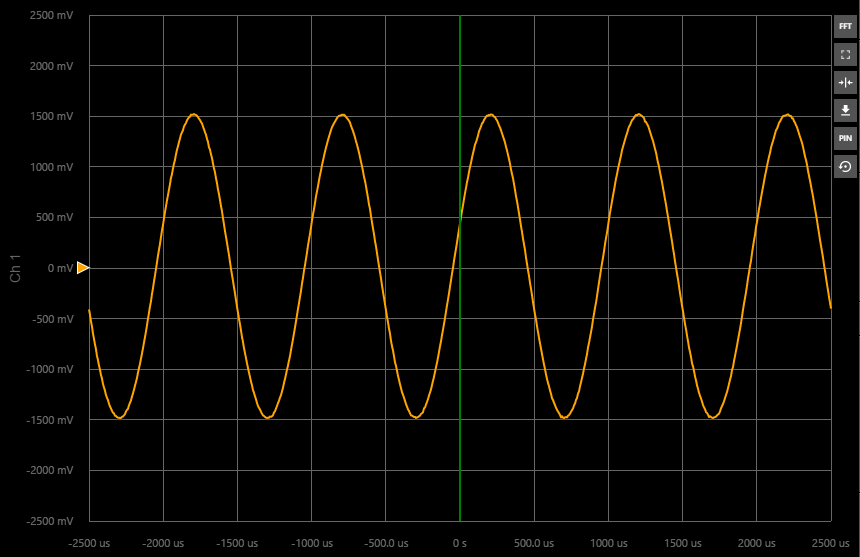
- The data is displayed on the chart.