Table of Contents
Electronics Explorer - Intro to the Protocol Analyzer
- Experimenting with the Protocol Analyzer.
Introduction
This project is designed to familiarize the user with the Protocol Analyzer instruments within the Digilent WaveForms software. A simple wire will be used to connect two digital signals to view and monitor the supported protocols.
Materials
- Electronics Explorer Board w/ Power Supply and USB cable
- From the Starter Parts Kit:
- Jumper wires
- WaveForms Software ( download) - WaveForms 3.5.4 is used in this tutorial
Procedures
Observe Closed Loop Communication
- Connect the EE Board to your PC with the USB cable.
- Connect the board's external power supply and flip the Ready switch to the ON position.
- Build the circuit by connecting the digital pin 16 to digital pin 23 on Digital 3 on the EE Board.
- The figure below shows the completed circuit.

- Launch the WaveForms Software. The Device Manager will pop up. Click on the EExplorer on the list and click Select. The WaveForms main window will now appear.

- Click on the protocol icon
 to open the Protocol Analyzer.
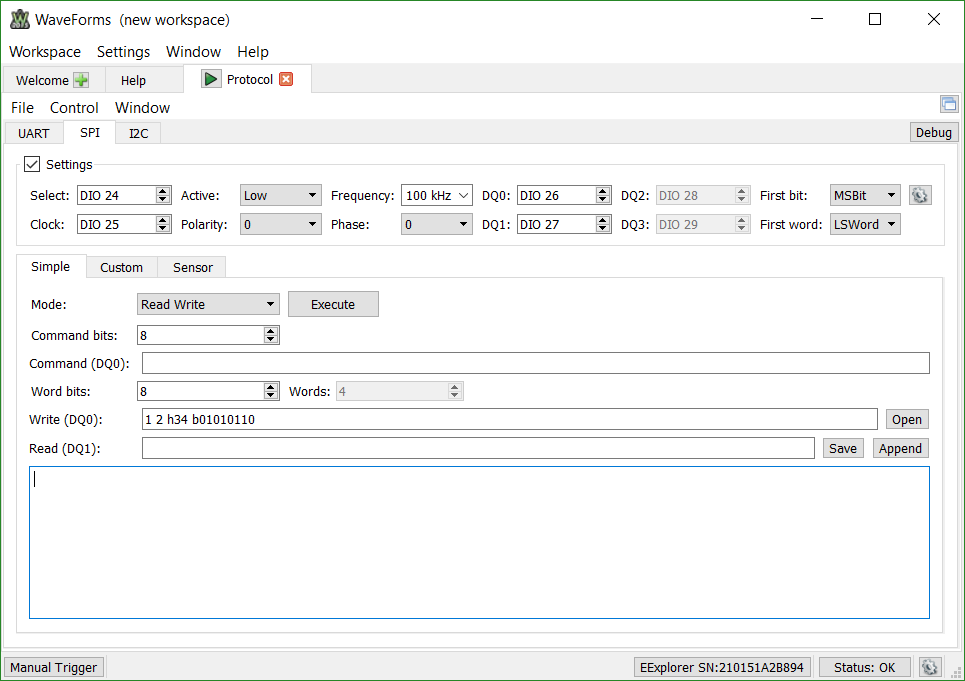
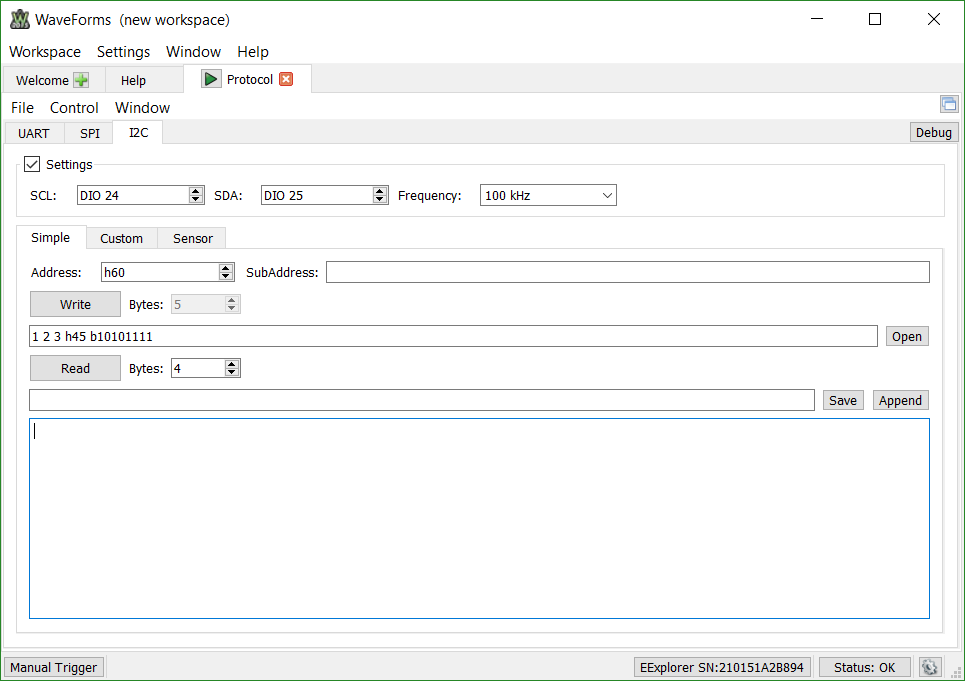
 - The Protocol Analyzer supports reading and writing on three different communication protocols: UART, SPI, and I²C. Users may choose to adjust polarity, clock speed, and which digital I/O pins are used by the protocol.
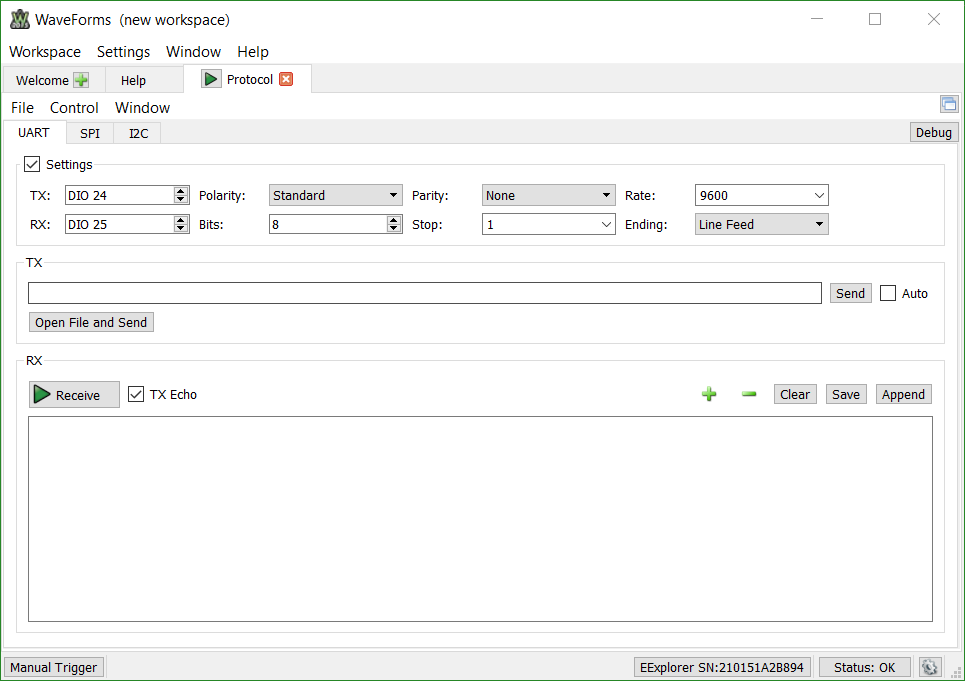
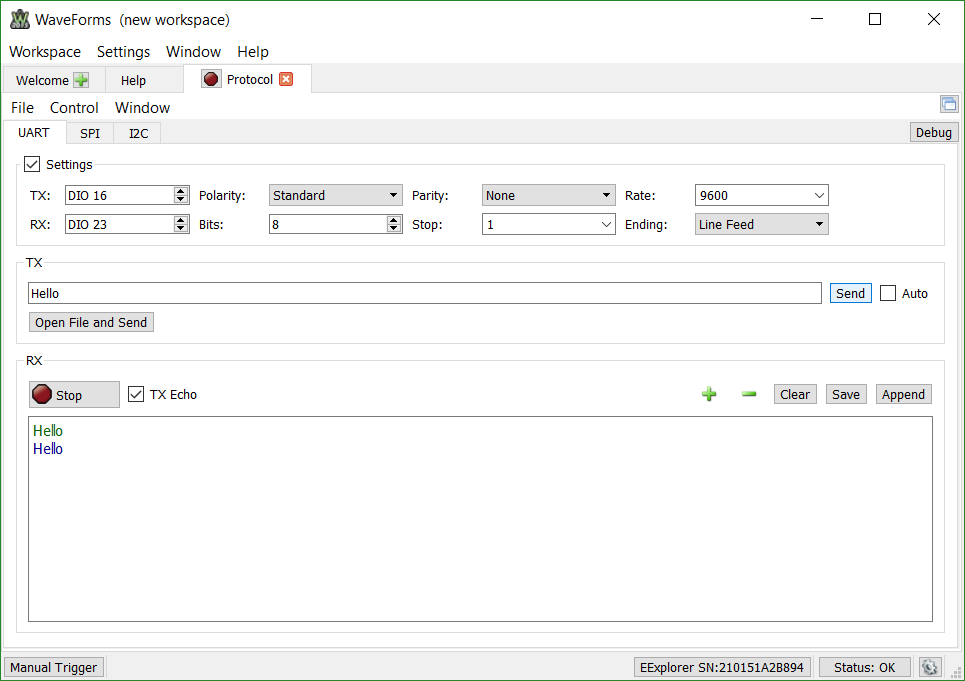
- On the UART tab, adjust the TX and RX DIO pins to match the two pins that are connected via the jumper wire. Type the word Hello in the TX box, and check the TX Echo box located in the RX section. Start the protocol analyzer by clicking on the Receive button and then click the Send button in the TX section. A pair of Hello's will appear in the RX box with the green Hello as the data that you sent (the TX Echo) and the blue Hello as the data that was received.
- On the SPI tab, adjust the DQ0 and DQ1 in the Settings box to match the two pins that are connected via the jumper wire. By default, the Mode will be set to Read Write and is prewritten to transmit “1 2 h34 b01010110”. Press the green arrow button on the Protocol tab at the top of the WaveForms GUI and then hit the Execute button next to the Mode. The written data will appear in green and the received data will appear in blue.

Other modes including Dual Read and Quad Write can also be chosen in addition to sending an initial SPI command to control a peripheral device. - On the I2C tab, in the Settings section, set the SDA pin to one of the Digital IO pins that are wired to a pullup resistor
 .
.